← All features
Calendar and subscription
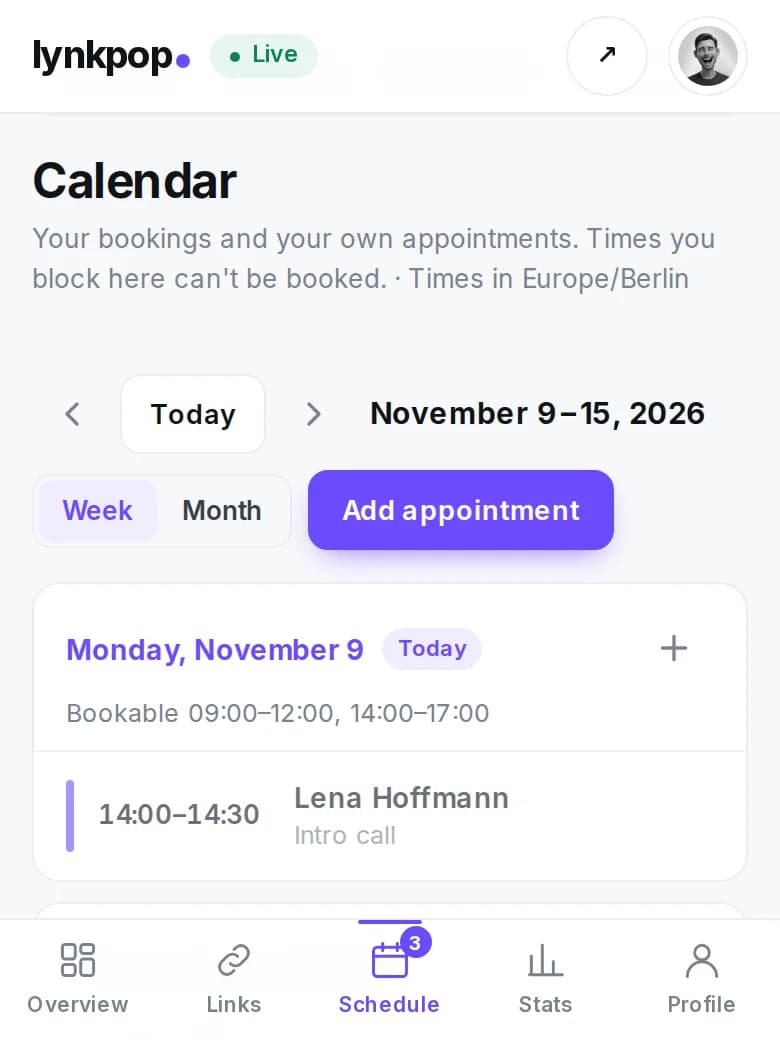
The calendar shows your bookings, free times and your own appointments by week or month. Own appointments block the time for bookings. With the calendar subscription everything appears in your calendar app.
Free
How it works
- 1Open Calendar in your dashboard.
- 2Add your own appointments, they block the time for bookings.
- 3Turn on the calendar subscription and add the link to Apple, Google or Outlook.
What you get
- Never double booked
- Bookings appear on your phone by themselves
- Public dates like gigs can show on your page
Questions
Does the subscription cost anything?
No, the calendar and the subscription are free.
Can I show gigs on my page?
Yes. Mark an appointment as a public date with place and ticket link.
Start for free
Your page is ready in two minutes. No credit card needed.