← All features
Online booking
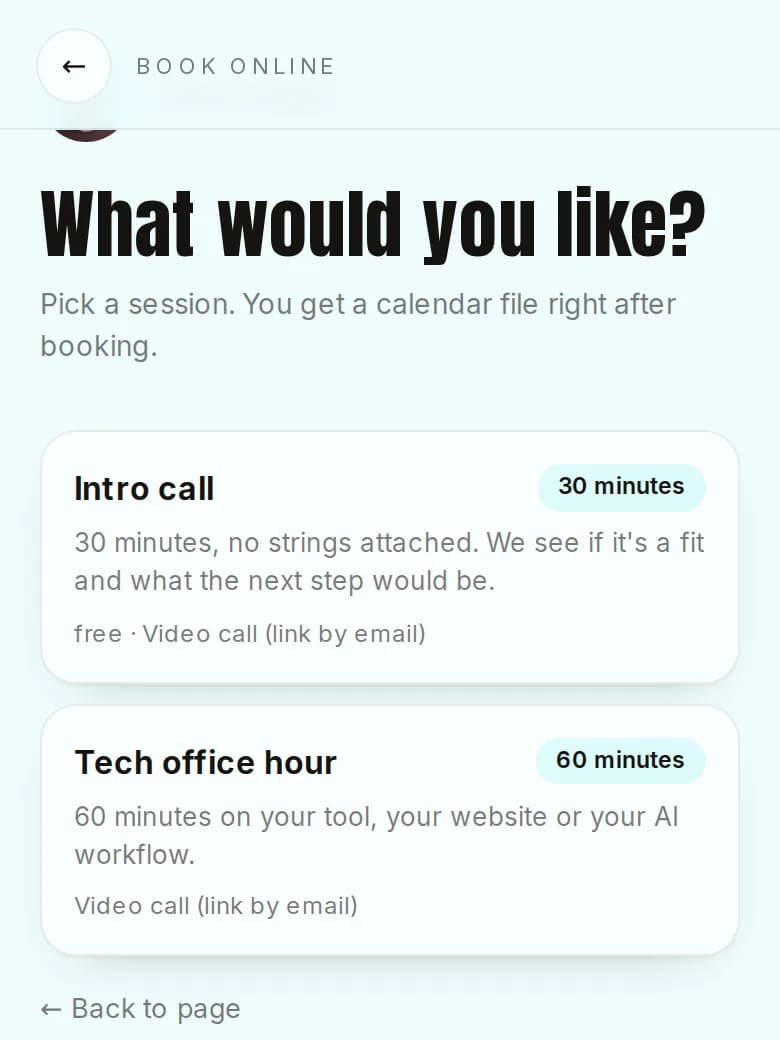
Create session types with duration, buffer and price note. Visitors see your free times, book with name and email and get a calendar file right away. You get an email for every booking.
Free, more with Pro
How it works
- 1Create a session type under Session types.
- 2Set your weekly hours under Availability.
- 3Your page shows “Book online”. Bookings show up in your dashboard and calendar.
What you get
- No back and forth by email
- Guests get a calendar file and a link to cancel
- Pro sends a reminder 24 hours before
Questions
How many session types can I offer?
One with Free, up to 20 with Pro.
Can guests cancel?
Yes, with the personal link in their confirmation email. You get an email when that happens.
Start for free
Your page is ready in two minutes. No credit card needed.